7 Ways Realtors Win Featured Snippets With Blog Posts
Watch the video to learn the best blogging style if you’re a real estate agent
Want More Clients Fast?
Steal This Website Rescue Kit to Get More Clients, More Calls, and More Sales on Autopilot
How to write blog posts for real estate is one of the most powerful skills you can use to stand out online. When your content earns a featured snippet on Google, you appear above every other result with an answer that buyers and sellers can trust. This builds instant credibility and drives more traffic to your website.
Why Featured Snippets Are a Game-Changer for Realtors
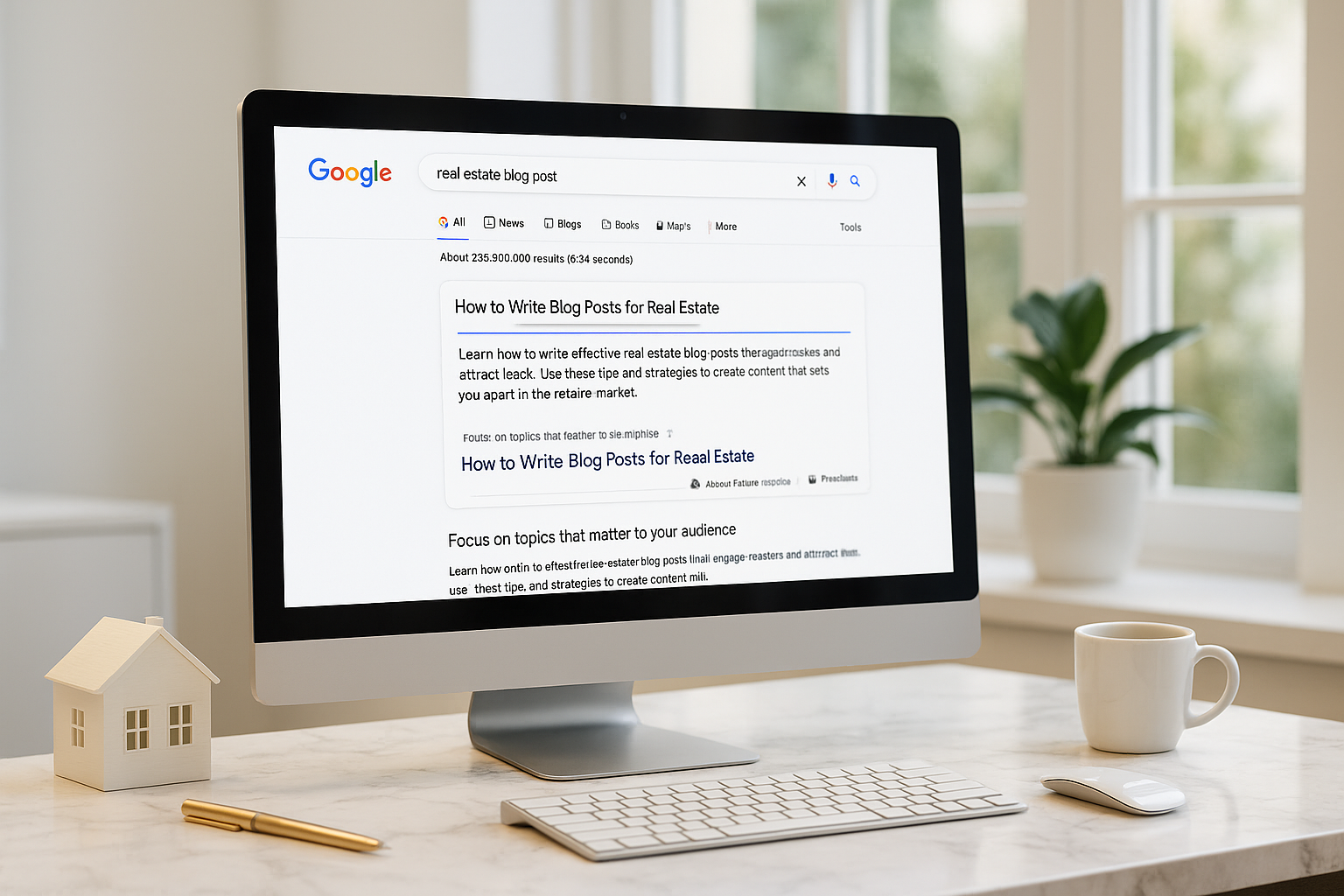
Featured snippets are those boxes at the very top of Google results that summarize an answer. Imagine a homeowner searching, “How long does it take to sell a house in Miami?” If your blog post is the one featured, you are the first professional they see. According to SEMrush, snippets can earn around 35 percent of total clicks. That means more potential clients landing on your site before they ever visit Zillow.
If you want more free ways to boost your reach, check out our guide on the Best Free Tools for Realtors. Snippets pair perfectly with tools that help you get noticed.
Step 1: Write About Real Questions
The best blog posts for real estate start with questions buyers and sellers actually ask. Examples include:
How much does it cost to sell a home in [your city]?
What is the difference between a buyer’s agent and a listing agent?
How do I get pre-approved for a mortgage?
Think about what your clients ask you on the phone or during open houses. Each question can become its own blog post. Google’s “People Also Ask” feature is a great way to find more.
Step 2: Structure Your Blog Posts for Easy Reading
Google prefers content that is organized and simple to scan. That means:
Using clear subheadings with H2s and H3s
Writing short paragraphs of two to four sentences
Adding bullet points and numbered lists
Including the direct answer in the first 40 to 50 words of your section
For example, if you are writing about closing costs in Tampa, your opening line under that heading might be: “The average closing cost in Tampa is between two and five percent of the home’s purchase price.” That direct answer gives Google exactly what it needs for a snippet.
Step 3: Combine Quick Answers with In-Depth Value
Google pulls snippets from short, clear explanations. Readers, however, want more detail. That means your blog should include both:
A quick definition or answer for Google
A detailed explanation with stories, data, or local insights for readers
If you are explaining “What is curb appeal,” your snippet line could be: “Curb appeal is the first impression buyers get from a home’s exterior, including the lawn, landscaping, and entryway.” Then expand on it by showing examples, giving staging tips, or citing how curb appeal affects property value in your city.
Step 4: Use Local Data and Examples
Real estate is hyper-local. Google rewards posts that prove relevance to a specific market. That could include:
Local statistics such as “Homes in Dallas sold 12 percent faster when staged”
Neighborhood names or school districts in your examples
Stories from past clients in your area
This kind of detail sets your content apart from generic national blogs. For inspiration on making details work in your favor, read Small Website Details in Real Estate That Win Clients.
Step 5: Understand the Types of Featured Snippets
Not all snippets look the same. Knowing which type to aim for can shape your blog.
Paragraph snippets work best for definitions or direct answers
List snippets are perfect for step-by-step posts such as “How to Buy a Home in Chicago”
Table snippets make sense for comparisons, like showing commission breakdowns or mortgage rates
| Snippet Type | Best Use for Realtors | Example Blog Post Title |
|---|---|---|
| Paragraph | Quick answers and definitions | What is a Buyer’s Agent |
| List | Step-by-step or numbered advice | 10 Steps to Sell Your Home in Austin |
| Table | Data comparisons and breakdowns | Average Closing Costs by State |
Step 6: Use Keywords Naturally
Your target keyword should appear in your title, introduction, at least one subheading, and in your closing sentence. Sprinkle in related phrases such as “real estate blogging” or “content marketing for agents.” Do this in a way that feels natural. Remember, you are writing for humans first and Google second.
If you want to understand how keywords and search intent work together, read Facebook Ads vs Google Ads for Realtors. The same concept of intent applies to blogging.
Step 7: Link to Other Posts
Internal linking signals to Google that your website is a valuable resource. Each post you write should connect to other content on your site. Think of it as building a strong web of knowledge that keeps visitors engaged.
Step 8: Use Visuals to Support Your Message
Visuals increase engagement and help readers understand complex ideas. For real estate blogs, useful visuals include:
Charts of local housing market trends
Before-and-after staging photos
Graphics of step-by-step processes
Always add alt text to your images that describe what is shown. This helps with accessibility and gives Google more context.
Step 9: Always End with a Call to Action
Once you provide value, don’t leave your reader hanging. Guide them toward the next step. This could be contacting you for a consultation, downloading a free guide, or joining your email list. Blog posts are not just about education, they are about building trust and moving prospects closer to becoming clients.
Final Thoughts
How to write blog posts for real estate is a skill that can help you get featured snippets, win more clicks, and establish yourself as the go-to agent in your market. The agents who take the time to answer real questions, provide local insights, and format content for Google are the ones who will attract the most buyers and sellers.
If you want your blog posts to perform on a luxury, high-converting website that is built to capture leads, Digital Dream Homes can help. Book your free consultation today and let’s make your online presence work as hard as you do.
Matt Pieczarka
Want a Free Website Audit?
Fill out your information below and we will send you a personal screen share video of tips on how to make your actual website better!
See How Many Closings You're Losing to Zillow!
Click Here to Use our Calculator to See How Many Clients Zillow is Taking From You Per Year!
Other Posts You Might Like…
- Free SEO Tracking Tools for Small Business That Actually Work
- How Long to Rank Small Business Website on Google? The Real Timeline
- Importance of Google Reviews for Small Business: Rank Faster, Earn Trust
- SEO Mistakes Small Business Owners Make: Fix These Fast
- SEO Blogging Tips For Small Business: Write Posts That Rank
- Backlinks for Small Business Websites: Why Backlinks Matter for Local Businesses
- On-Page SEO Checklist for Small Business Websites
- Google Business Profile Setup for Small Business: The Beginner’s Guide
- Local SEO for Small Businesses: Tips for Small Business Owners
13 Electrician Website Templates That Turn Clicks Into Paid Jobs
13 Electrician Website Templates That Turn Clicks Into Paid Jobs Watch the video to learn the best template layout for the best results! Want More Clients Fast? Steal This W
11 Electrician Website Services That Bring In More Calls
11 Electrician Website Services That Bring In More Calls Watch the video to learn the best website layout for the best results Want More Clients Fast? Steal This Website Res
12 Electrician Website Upgrades That Win More Jobs
12 Electrician Website Upgrades That Win More Jobs Watch the video to learn the best website layout to get the most bang for your buck! Want More Clients Fast? Steal This We
5 Electrician Website Design Company Upgrades That Win Jobs
5 Electrician Website Design Company Upgrades That Win Jobs Electrician website design that earns trust fast and drives more calls. See the must-have upgrades and book more
5 Website Builder for Electricians Features That Get Calls
5 Website Builder for Electricians Features That Get Calls Watch the video for the perfect website set up to maximize calls and build trust Want More Clients Fast? Steal Thi
3 Electrician Website Builder Upgrades That Get More Calls
3 Electrician Website Builder Upgrades That Get More Calls Watch the video to learn the best website layout to get more calls as an electrician Want More Clients Fast? Steal
5 Electrician Social Media Tips to Book More Jobs
5 Electrician Social Media Tips to Book More Jobs Watch the video to learn how we manage our clients’ social media accounts to get them more followers that turn into jobs and
5 Electrician Social Media Strategy Plays That Book Jobs
5 Electrician Social Media Strategy Plays That Book Jobs Watch the video to learn how we turn our clients’ social media accounts into a sales machine! https://youtu.be/ym8Kou
6 Ways Social Media Management Helps Electricians Book More Jobs
6 Ways Social Media Management Helps Electricians Book More Jobs Watch the video to learn how we manage our clients’ social media accounts to grow their followers organically