Google Business Profile Setup for Small Business: The Beginner’s Guide
If you want to show up on Google when customers nearby search, you need google business profile setup for small business done right. This guide walks you step by step so your phones ring, your messages ping, and your calendar fills up with real local buyers.
Google Business Profile Setup for Small Business: Start Here
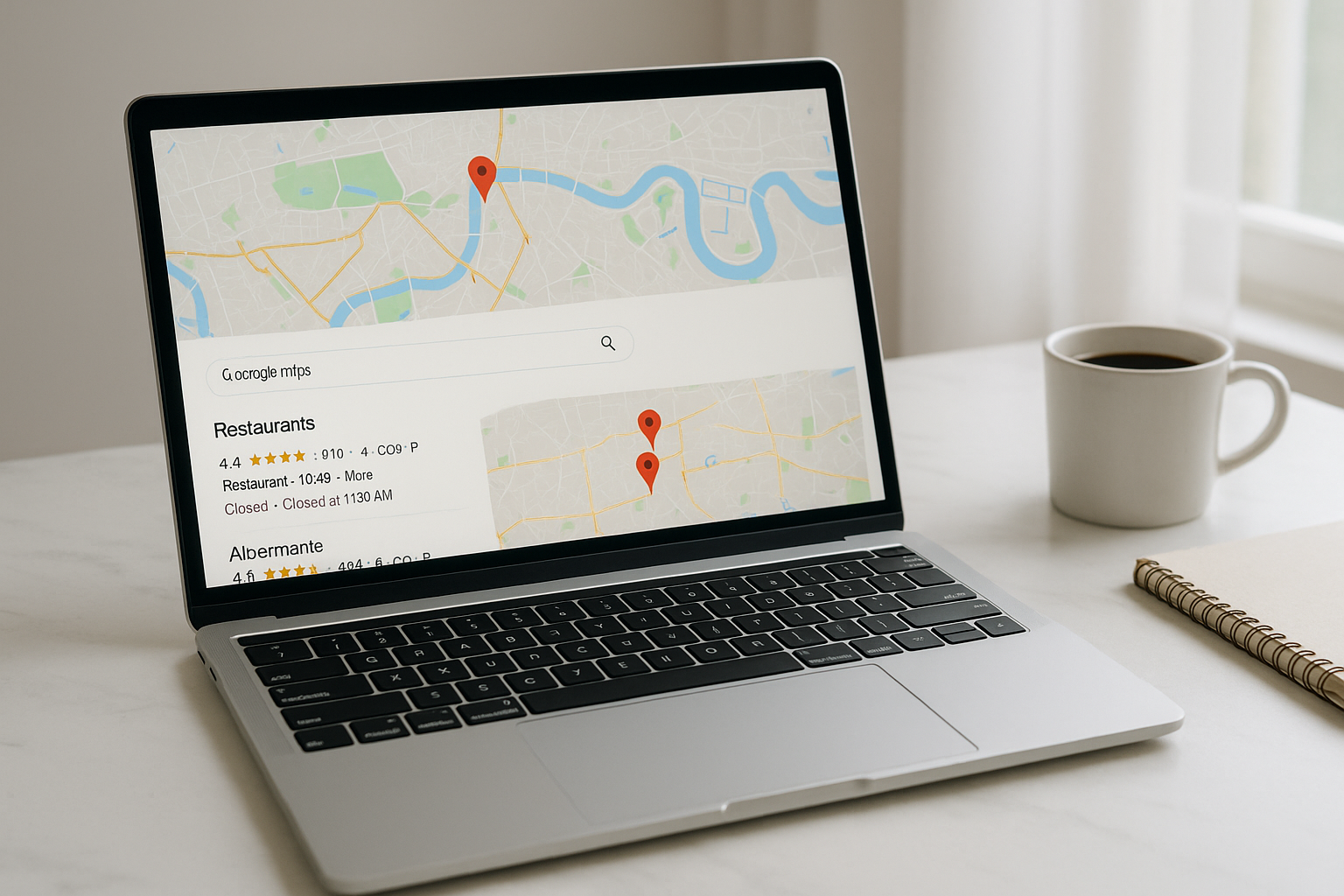
Your Google Business Profile (GBP) is the card that appears on Google Maps and in the local “map pack.” It shows your name, reviews, hours, photos, and buttons to call or message you. When it is complete and active, you earn more visibility and trust.
Your quick checklist
Claim and verify your profile
Complete every field with accurate NAP (Name, Address, Phone)
Choose the correct Primary Category and a few Additional Categories
Add real photos and short videos
Turn on Messaging and add an auto-reply
Post a weekly Update with a tip, offer, or new photo
Create Or Claim Your Profile
Find and claim
Search your business name on Google Maps.
If it exists, click Own this business? and follow the prompts.
If it does not, go to Google Business and click Add your business.
Verify fast
Google may verify by phone, email, or postcard. Use your official business number and make sure your address formatting matches your website.
Tip: Keep your Name identical to your storefront and website. No extra keywords.
Fill Out Every Field Completely
Core details to complete
Business Name exactly as used offline
Primary Category that best matches your main service
Additional Categories for related services
Address or Service Area
Phone Number customers actually reach
Website URL and appointment link if available
Hours including holiday hours
Description that naturally includes city and services
Why it matters: Google favors complete, consistent profiles. Numerous industry studies note that completeness and accuracy correlate with higher local visibility and more clicks.
Photos, Videos, And Visual Trust
Customers choose with their eyes. Upload at least 12 photos that feel current and authentic.
Add these
Exterior and interior shots in daylight
Team at work
Products or results before and after
Short video walking into your space or showcasing a service
Guidelines
Bright, upright, and clear
No heavy filters
File names can include your city and service for organization
Reviews: The Conversion Engine
Reviews influence both ranking and buying decisions. You need a simple system to request and respond.
Do this weekly
Send a review link by text or email after a successful job
Ask for specifics like “What did you like about our same-day service?”
Respond to every review within 24 hours
Thank happy customers and address issues politely with solutions
Pro move: Mention the service and area in replies when natural. It adds local relevance for readers and search engines.
Want a Free Website Audit?
Fill out your information below and we will send you a personal screen share video of tips on how to make your actual website better!
Posts, Products, And Services
Google Posts
Share updates, tips, offers, and events. Keep it brief and helpful.
One photo or short video
60–80 words with a clear benefit
A button like Call Now or Learn more
Products and Services
Add your core services with short descriptions and prices or “starting at” ranges. This helps shoppers compare quickly.
Messaging And Calls
Turn on Messaging inside GBP and write a friendly auto-reply like “Thanks for reaching out. We usually reply within 10 minutes during business hours.” Use a click-to-call number on your website to keep mobile conversions high.
If you need help making your site mobile friendly, check out Mobile Optimization Tips for Local Business Websites by Digital Dream Homes.
Categories And Attributes That Move The Needle
Categories
Pick one Primary Category that is most accurate. Add Additional Categories for related services. Do not stack irrelevant ones.
Attributes
Select attributes like Wheelchair accessible, LGBTQ+ friendly, Veteran-owned, or Online appointments if they apply. Attributes help you appear in more filtered searches.
Real-World Scenarios
Realtor scenario: Open House boost
A realtor in Phoenix adds weekly Posts announcing open houses with a short video, sets Appointment links to schedule showings, and requests reviews after closings. Result: more map pack visibility around neighborhoods where they post and higher call volume before weekend events.
Plumber scenario: After-hours wins
A Phoenix plumber adds 24/7 hours, lists Emergency Burst Pipe Repair under Services, and enables Messaging. With a clear “Call Now” button, after-hours calls increase and the profile shows up more often for “emergency plumber near me.”
Bakery scenario: Weekend rush
A neighborhood bakery uploads fresh photos every Friday and runs a Post for seasonal specials. They showcase Products like “Custom Cakes” with price ranges. Weekend foot traffic climbs because customers see what is fresh before visiting.
Connect Your Website For Higher Conversions
Your GBP attracts attention. Your website closes the deal. Make sure your site is fast, clear, and designed to convert.
Visible phone number and contact buttons
Short forms with 3–5 fields
Service pages and location pages
Trust signals like testimonials and photos of your work
For page structure ideas, read Best Homepage Layout for Small Businesses. To turn clicks into customers, see How to Make Your Website Convert Visitors into Clients. If you want a deeper tune-up, walk through Website Mistakes That Are Costing You Customers and Contact Page Optimization for Small Business. For brand consistency, visit How to Choose the Right Colors for Your Brand. When you are ready to upgrade visuals and usability, check Best Website Design Tips for Small Business Owners and How to Create a Professional Website for Your Small Business.
Track What Works
You cannot improve what you do not measure. Set up basic tracking so you know which actions generate calls.
Essentials
Google Analytics 4 with goals for calls and forms
UTM tags on your GBP website and appointment links
Call tracking numbers for ads and campaigns
Monthly review of Search terms inside GBP Insights
Look for
Queries that trigger your profile
Actions taken on the profile
Photo views compared to competitors
Top days and times for calls and messages
Ongoing Maintenance Plan
Weekly
Reply to reviews
Add one Post with a helpful tip or offer
Upload a new photo or short video
Monthly
Audit hours and attributes
Update seasonal services or prices
Review Insights and add FAQs to your site based on recurring questions
Quarterly
Refresh your business description
Add new products or services
Compare photo count and recency with top competitors
Common Mistakes To Avoid
Inconsistent NAP between your profile and website
Wrong or overly broad categories
Thin or outdated photos
Ignoring reviews or using copy-paste replies
Letting holiday hours go stale
No UTM tracking, so you cannot see what is working
Conclusion: Own Your Visibility With The Right Setup
When you complete and maintain your profile, you build a durable engine for local discovery. Start with accurate info, strong visuals, steady reviews, and short helpful posts. Tie it all to a fast, persuasive website and you will feel the difference in calls and bookings. If you want expert help with google business profile setup for small business, book a free consultation with Digital Dream Homes and we will set up everything the right way.
Other Posts You Might Like…
- Free SEO Tracking Tools for Small Business That Actually Work
- How Long to Rank Small Business Website on Google? The Real Timeline
- Importance of Google Reviews for Small Business: Rank Faster, Earn Trust
- SEO Mistakes Small Business Owners Make: Fix These Fast
- SEO Blogging Tips For Small Business: Write Posts That Rank
- Backlinks for Small Business Websites: Why Backlinks Matter for Local Businesses
- On-Page SEO Checklist for Small Business Websites
- Google Business Profile Setup for Small Business: The Beginner’s Guide
- Local SEO for Small Businesses: Tips for Small Business Owners
Matt Pieczarka
See How Many Closings You're Losing to Zillow!
Click Here to Use our Calculator to See How Many Clients Zillow is Taking From You Per Year!
7 Storytelling Plays That Turn Plumbing Websites Into Lead Machines
7 Storytelling Plays That Turn Plumbing Websites Into Lead Machines Facebook X LinkedIn Threads Email The tricks learned in this video and blog post have gotten one of our clients
9 Plumbing Company Branding Strategies That Get More Calls
9 Plumbing Company Branding Strategies That Get More Calls Facebook X LinkedIn Threads Email The tricks learned in this video and blog post will help you get your brand to as many
7 Plumbing Membership Plans Benefits That Boost Profit
7 Plumbing Membership Plans Benefits That Boost Profit Facebook X LinkedIn Threads Email The tricks learned in this blog post have increased recurring revenue for one of our plumbi
7 Plumbing Services Pricing Tiers That Sell Like Crazy
7 Plumbing Services Pricing Tiers That Sell Like Crazy Facebook X LinkedIn Threads Email The tricks learned in this video and blog post have gotten one of our clients an average of
7 Plumbing Service Pricing Strategies To Boost Profit
7 Plumbing Service Pricing Strategies To Boost Profit Facebook X LinkedIn Threads Email The tricks learned in this video and blog post have gotten one of our clients an average of
7 Plumbing Maintenance Agreement Strategies That Drive Revenue
7 Plumbing Maintenance Agreement Strategies That Drive Revenue Facebook X LinkedIn Threads Email Most plumbers leave recurring revenue on the table. These maintenance agreement str
AI Tools for Plumbing Businesses That Book Jobs 24/7
AI Tools for Plumbing Businesses That Book Jobs 24/7 Facebook X LinkedIn Threads Email The AI tricks learned in this blog post have gotten one of our plumber clients an average of
Hiring Plumbers And Onboarding Program For Rockstar Crew Growth
Hiring Plumbers And Onboarding Program For Rockstar Crew Growth Facebook X LinkedIn Threads Email The strategies in this blog post helped one of our plumbing clients cut onboarding
7 SMART Goals For Plumbing Growth In 90 Days
7 SMART Goals For Plumbing Growth In 90 Days Facebook X LinkedIn Threads Email The strategies in this blog post helped one of our clients get organized and grow his plumbing busine