10 Website Mistakes Losing You Sales Every Single Day
One small business owner fixed just three of these mistakes and saw a 38% increase in contact form submissions in under 30 days, without spending a dollar on ads.
Want More Clients Fast?
Steal This Website Rescue Kit to Get More Clients, More Calls, and More Sales on Autopilot
Your website is often the first impression your business makes, and first impressions matter. Unfortunately, many small business owners unknowingly make mistakes that turn visitors away. Understanding the most common small business website mistakes can help you fix weak spots, improve conversions, and keep people coming back for more. Let’s go over the issues that might be costing you customers…and how to fix them.
Common Small Business Website Mistakes You Might Be Making
Most business owners don’t realize their site is repelling customers until traffic slows or sales drop. The truth is, small missteps in design, usability, or messaging can create a poor user experience that drives people away. Below are the most frequent website mistakes and what you can do instead.
1. Slow Loading Speeds
Today’s internet users have zero patience for slow sites. Studies show that if a page takes longer than three seconds to load, 40% of users will leave. A slow site doesn’t just frustrate visitors…it also hurts your Google rankings.
How to fix it:
Compress large image files before uploading.
Remove unnecessary plugins and outdated scripts.
Use a reliable hosting provider with fast servers.
Speed matters. A few simple technical tweaks can make your website load faster and convert better.
If you need help improving your performance, you might like Best Website Design Tips for Small Business Owners, which covers practical strategies for optimizing layout and functionality.
2. Poor Mobile Optimization
More than half of all web traffic comes from mobile devices, so your website must look and function beautifully on a phone. A site that isn’t mobile-friendly can feel cramped, glitchy, or impossible to navigate.
How to fix it:
Use a responsive design that automatically adapts to different screen sizes.
Make text and buttons easy to tap with your thumb.
Test your website on various devices to check for usability issues.
A clean, responsive layout ensures your site looks professional whether viewed on an iPhone or a desktop monitor. For inspiration, check out How to Create a Professional Website for Your Small Business, which explains design techniques for small screens.
3. Confusing Navigation
Visitors should find what they need in just a few clicks. Complicated menus, broken links, or inconsistent labels cause confusion and frustration.
How to fix it:
Simplify your main menu to 5–7 clear options.
Add a search bar for quick access.
Keep navigation consistent across all pages.
Think of your website as a tour. If people can’t find the next stop easily, they’ll leave.
4. Weak or Missing Calls to Action
A website without a clear call to action (CTA) is like a store without a checkout counter. Visitors might enjoy browsing, but they won’t know what to do next.
How to fix it:
Use direct CTAs like “Book a Free Consultation” or “Get a Quote.”
Place CTAs above the fold and at the end of each section.
Make buttons stand out with contrasting colors.
Every page should lead the visitor toward taking action. Don’t leave them guessing.
If you’re unsure what to include, see Real Estate Website Conversion Tips, which shares universal advice on improving online conversions for service-based businesses.
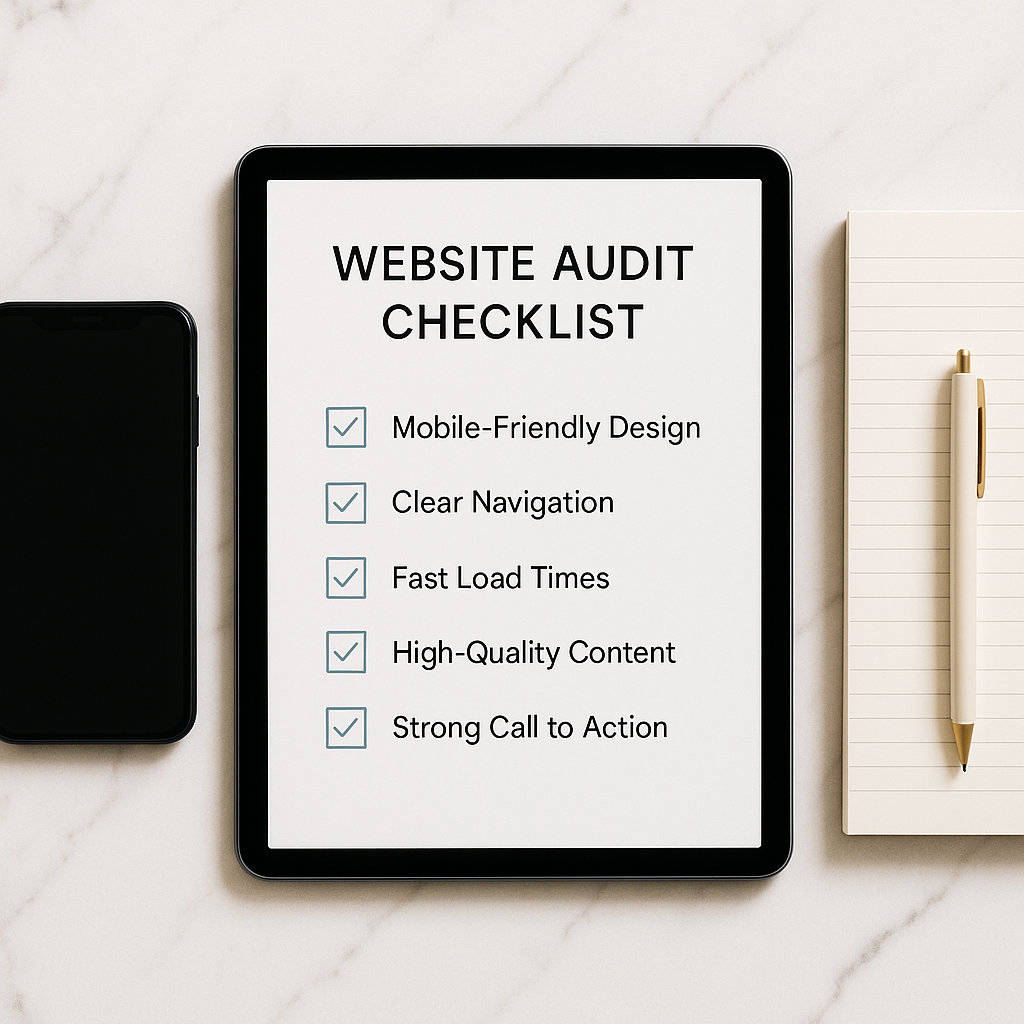
Want a Free Website Audit?
Fill out your information below and we will send you a personal screen share video of tips on how to make your actual website better!
5. Outdated Design and Visuals
Design trends change quickly. A website that looked modern in 2017 may now look dated and untrustworthy. Old fonts, mismatched colors, or pixelated images can send the wrong message.
How to fix it:
Stick with a modern color palette and simple typography.
Use professional, high-quality images.
Keep white space balanced and clean.
An up-to-date design shows your business cares about quality and professionalism. A fresh visual style builds credibility and helps customers feel confident about buying from you.
6. Ignoring SEO
A beautiful website means nothing if nobody finds it. Many small businesses skip Search Engine Optimization (SEO), leaving their sites buried under competitors.
How to fix it:
Use keywords naturally throughout your pages.
Add meta descriptions, alt text, and header tags.
Create valuable content, like blog posts or FAQs, that answer customer questions.
SEO isn’t magic…it’s strategy. Even simple changes can move your site higher in Google search results. For a deeper dive, check out Real Estate SEO Best Practices – The Modern Agent’s Playbook, which applies to any small business aiming to rank higher.
7. No Clear Brand Identity
If your website doesn’t clearly communicate who you are and what you offer, visitors won’t remember you. Consistency in tone, visuals, and messaging builds trust.
How to fix it:
Keep your logo, colors, and fonts consistent.
Use the same tone of voice across all pages.
Write a short tagline that clearly states what you do.
A strong brand helps customers recognize and remember you instantly. Consistency makes your business feel polished and professional.
8. Neglecting Regular Updates
A stale website can give the impression that your business is inactive. Outdated promotions, broken links, or old blog posts make visitors question your credibility.
How to fix it:
Review your content quarterly for accuracy.
Update your portfolio or testimonials regularly.
Add new content like blog posts or news updates.
Consistency keeps your website alive in both search rankings and customer perception.
9. Forgetting Analytics and Tracking
If you don’t track performance, you can’t improve it. Many small businesses skip installing tools like Google Analytics or fail to check metrics regularly.
How to fix it:
Install Google Analytics and Google Search Console.
Track visitor behavior, bounce rate, and conversions.
Use data to refine your website and marketing strategy.
Metrics help you see what’s working…and what’s not. Data-driven decisions save time and money.
Conclusion
Avoiding these common small business website mistakes is one of the easiest ways to increase leads and boost your credibility online. A fast, mobile-friendly, and well-structured website builds trust, drives conversions, and keeps customers coming back.
If you’re unsure where to start, Digital Dream Homes can help. We design luxury, high-performing websites for small businesses that want to stand out online. Book a free consultation today to see how we can transform your online presence into your most powerful sales tool.
Other Posts About Small Business Websites You Might Like…
- Small Business Website Design Tips for Small Business Owners
- How to Create a Professional Website for Your Small Business
- Common Small Business Website Mistakes That Are Costing You Customers
- Best Homepage Layout for Small Businesses
- Website Conversion Tips for Small Business: How to Make Your Website Convert Visitors into Clients
- How to Make Small Business Website Look Professional: Simple Design Tweaks That Boost Small Business Credibility
- Best Website Colors For Small Business Branding: How to Choose the Right Colors for Your Brand
- Why Small Business Websites Fail: Why Your Website Isn’t Bringing in Leads
- Mobile Friendly Website Tips For Small Business: Mobile Optimization Tips for Local Business Websites
- Contact Page Optimization for Small Business: How to Create a “Contact Us” Page That Actually Gets Results
Matt Pieczarka
8 Branding Mistakes Costing You Listings
Invest in real estate agent branding services and stop making these 8 costly mistakes that repel potential sellers.
3 Websites That Generate Leads While You Sleep
Want a real estate website that generates leads 24/7? These 3 website types convert visitors into clients on autopilot.
6 Ways to Get More Zillow Reviews Effortlessly
Boost your Zillow reviews for agents profile with 6 effortless strategies that build social proof and win more listings.
5 Steps to Automate Your Real Estate Follow-Up
Set up real estate lead nurturing automation in 5 steps and never lose a hot lead to slow response time again.
10 Facebook Ad Strategies Realtors Swear By
These Facebook ads for realtors strategies generate cheap listing leads consistently. 10 proven campaigns to steal today.
7 Real Estate Landing Pages That Convert at 30%
Get real estate landing page design that converts visitors into leads at 30% or higher. 7 proven templates inside.
5 Ways to Generate Seller Leads on Autopilot
Automate seller lead generation for realtors with these 5 set-it-and-forget-it systems that work while you sleep.
4 Listing Presentation Secrets Top Agents Use
Win every listing with real estate listing presentation software. 4 secrets top producers use to crush the competition.
8 CRM Tools That Double Your Closings in 90 Days
Find the best CRM for real estate agents to organize leads, automate follow-ups, and double your closings.