Scheduling Tools For Small Business Owners Who Love To Win
Heads-up for busy entrepreneurs: these tactics take minutes to implement but can pay off all year…
Check out a scheduling tool live in action down below!
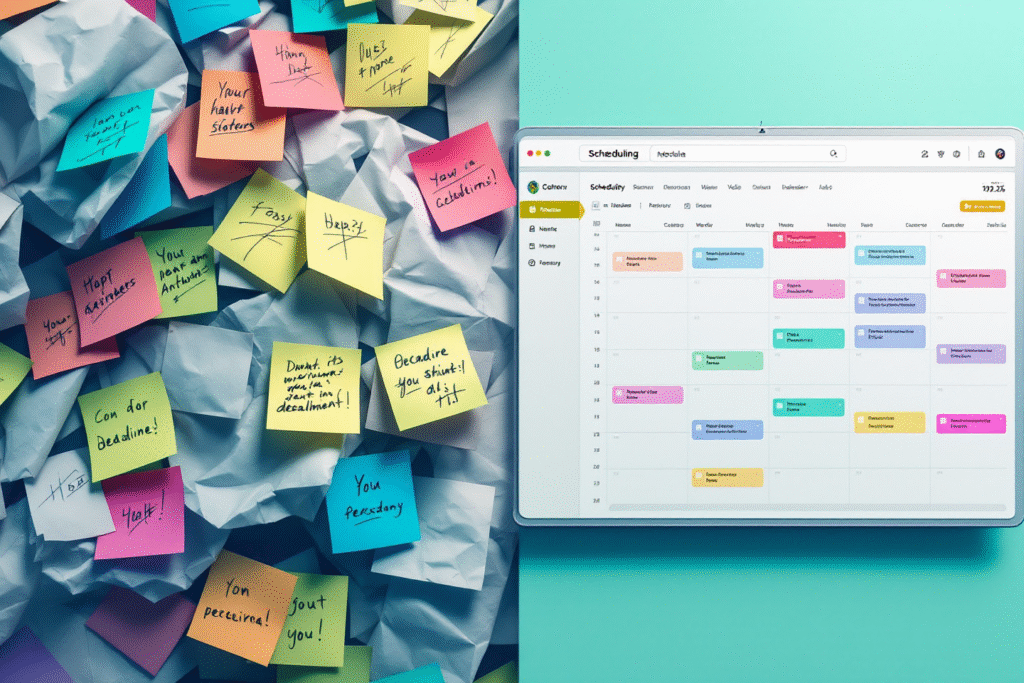
If you are researching scheduling tools for small business owners, chances are your calendar currently looks like a crime scene. Between missed calls, “Can we reschedule?” emails, and double booked appointments, it is easy to feel like scheduling is a full time job by itself.
Want a website that makes you money? Book a strategy call with Digital Dream Homes now.
Scheduling Tools For Small Business Owners: Why They Matter
Most small business owners already work long hours and still feel behind. Surveys suggest that entrepreneurs often spend a big chunk of their week on low value admin tasks instead of revenue generating work.
On top of that, one report found that nearly 9 out of 10 workers spend up to 4 hours per week just scheduling meetings. That is half a workday every month spent on “Does 3 pm work for you?” emails.
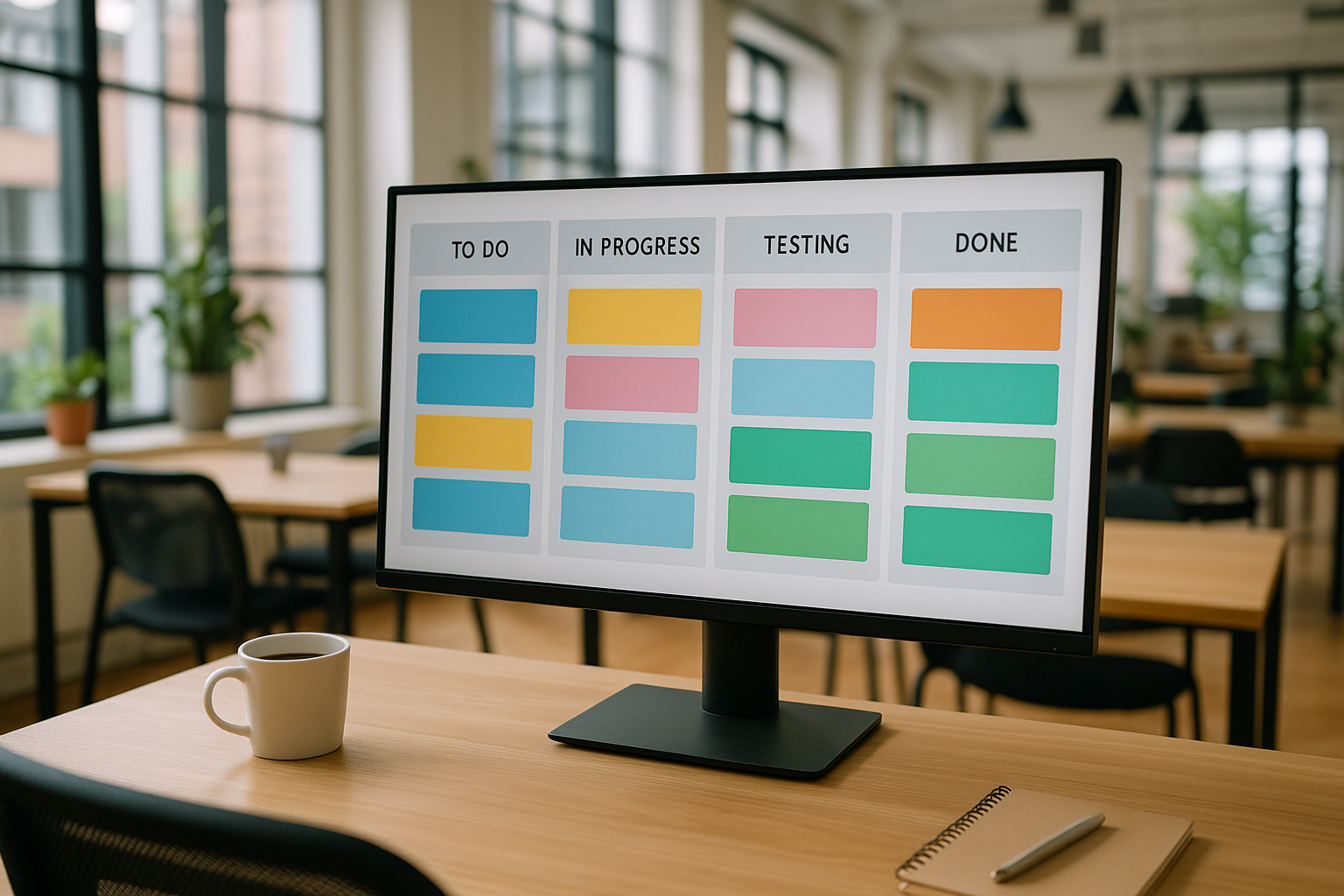
Good scheduling tools flip that script. Instead of chasing people, you:
Share a simple link
Let clients pick from times you already approved
Automatically send reminders so no one forgets
When these tools are connected to a strong online presence, they become even more powerful. If you still need a modern, conversion focused site, start with How To Create A Professional Website For Your Small Business to get your foundation right.
What Great Scheduling Tools Actually Do For You
Not all tools are equal, but the best scheduling tools for small business owners usually cover the same core jobs.
A good tool should:
Sync with your main calendar so you never double book
Allow clients to book online without calling or texting you
Automatically adjust for time zones if you work with people in different states
Send reminder texts or emails so no one “forgets”
Let you create different booking types, like free consultations or paid sessions
This is not just convenient. Online booking has become an expectation. Studies show that a majority of millennials and Gen X consumers strongly prefer providers that offer online appointment options, and many will choose a different provider if online booking is not available.
Top Scheduling Tools Busy Entrepreneurs Actually Use
Here are some of the most popular scheduling tools and how they fit different business types.
1. Calendly: Simple And Powerful For Most Businesses
Best for: coaches, consultants, realtors, agencies, and most service businesses.
Clean interface that makes it easy for clients to choose a time
Different event types for discovery calls, paid sessions, and team meetings
Integrates with Google Calendar, Outlook, Zoom, and more
Real world scenario: A busy realtor uses Calendly links on her website and email signature. When someone clicks a “Book A Home Buyer Strategy Call” button on a page you designed using ideas from How To Write About Us Page For Small Business For More Leads, they see her Calendly page and grab a time without the back and forth.
2. Acuity Scheduling: Great For Appointments And Payments
Best for: salons, therapists, and local service businesses that book a lot of hourly work.
Clients can book appointments, fill out intake forms, and pay online
Works well for recurring appointments and packages
Strong time zone handling for virtual services
Scenario: A massage therapist embeds Acuity into her site. Visitors find her through a blog post created with the approach from SEO Blogging Tips For Small Business: Write Posts That Rank, click a “Book Now” button, and pick a time and service. The therapist gets paid upfront and avoids no show headaches.
3. Square Appointments: Perfect If You Already Use Square
Best for: brick and mortar businesses that already use Square for payments.
Online booking page tied directly to your Square account
Automatic reminders to reduce no shows
All in one place for payments, clients, and calendar
Scenario: A local hair salon uses Square Appointments. Clients book online, get automated reminders, and check out using the same system. No separate scheduling tool to manage.
4. Google Calendar Booking: Bare Bones But Free
Best for: early stage entrepreneurs who want a simple, free option.
Basic booking pages you can share with clients
Works well if you already live in Google Calendar all day
Not as flexible as the others, but great for starting out
Scenario: A new freelance copywriter lists their Google booking link on their site. Leads who land on their blog (thanks to consistent content guided by Benefits Of Blogging For Small Business) can schedule a “15 Minute Project Fit Call” in two clicks.
5. AI Powered Scheduling Tools: For The Ultra Busy
Some newer tools use AI to scan your calendar and suggest smart meeting times, cutting scheduling time significantly. Research suggests AI calendar tools can reduce time spent scheduling meetings by up to 30 percent.
Scenario: A small marketing agency uses AI scheduling to coordinate client calls across multiple team members. Instead of emailing availability back and forth, the tool sends a link that automatically proposes times when everyone is free.
Want a Free Website Audit?
Fill out your information below and we will send you a personal screen share video of tips on how to make your actual website better!
How Scheduling Tools Help You Capture More Leads
Scheduling tools are not just about saving time. They can help you close more deals if you connect them to your lead capture strategy.
A few ways to do that:
Add “Book A Free Strategy Call” buttons under your lead magnets
Offer quick calendar links on landing pages built using ideas from Top Lead Capture Tools For Small Business That Really Work In 2026
Follow up paid ad leads with a direct scheduling link so they act while interest is high
For example, if you run Google Ads that send traffic to a landing page, your best call to action is often a simple booking link. Pairing this with the guidance in 9 Reasons Small Business Should Hire A Google Ads Agency lets you turn cold clicks into warm, calendar filled conversations.
Reducing No Shows And Last Minute Chaos
One of the biggest hidden benefits of scheduling tools for small business owners is the impact on no shows.
Automated reminders by text and email have been shown to cut missed appointments significantly in many industries, sometimes by around a third.
Instead of manually texting, “Are we still on for today?” your tool can:
Send a confirmation when the appointment is booked
Remind clients 24 hours before
Send a shorter reminder 1 to 2 hours before
Provide reschedule links so cancellations are easier to handle
That means fewer empty time slots and a more predictable schedule.
Connecting Scheduling To Your Content And Social Media
Your scheduling tool pulls the most weight when it works alongside your content and social media.
Here is how to connect the dots:
Add booking links at the end of helpful blog posts created with strategies from SEO Blogging Tips For Small Business: Write Posts That Rank
Use social posts that lead to booking pages, using engagement strategies from Social Media Engagement Tips For Small Business That Build Superfans
Turn your best educational content into lead magnets, then invite people to book a call as the next step
This creates a smooth path from “I just found your blog” to “I am on your calendar for next Tuesday at 2 pm.”
Conclusion: Scheduling Tools For Small Business Owners Who Want Their Time Back
At the end of the day, the best scheduling tools for small business owners are the ones that reclaim your time, respect your clients, and seamlessly plug into your website and marketing.
With the right setup, your scheduling system will:
Let clients book without endless back and forth
Reduce no shows with smart reminders
Turn website visitors and ad clicks into real appointments
Free you up to focus on the work that actually grows your business
If you want a website that looks high end, loads fast, and works hand in hand with your scheduling tool, lead capture, and content, Digital Dream Homes can help.
Book your free strategy call with Digital Dream Homes below and let us help you build a scheduling powered website that fills your calendar and grows your business.
Matt Pieczarka
More Posts About Automation and Tools You Might Like…
- Importance of CRM for Small Business in 2026 Explained
- Lead Tracking Tools For Small Business That Print Money
- Accepting Online Payments Small Business Website: Do This First
- Email Automation For Small Business That Sells While You Sleep
- Bookkeeping Software For Small Business Owners Who Hate Math
- Scheduling Tools For Small Business Owners Who Love To Win
- Chatbots For Small Business Websites That Work While You Sleep
- Automated Follow Up Small Business Owners Secret Growth Weapon
- Best CRMs For Small Business Owners Who Need More Sales
- Free Marketing Tools For Small Business 2026 That Print Money
7 HVAC Website SEO Fixes Contractors Use to Get More Calls
7 HVAC Website SEO Fixes Contractors Use to Get More Calls The tricks learned in this video and blog post have gotten one of our HVAC clients an average of one new lead per
7 Local SEO for HVAC Company Websites Best Practices
7 Local SEO for HVAC Company Websites Best Practices The tricks learned in this video and blog post have gotten one of our HVAC clients an average of one new lead per day! W
7 Mobile Friendly HVAC Website Design Tips That Get Calls
7 Mobile Friendly HVAC Website Design Tips That Get Calls Check out the video for a behind the scenes look at optimizing a website for mobile devices Want More Clients Fast?
8 Best HVAC Website Design Ideas
8 Best HVAC Website Design Ideas The tricks learned in this video and blog post have gotten one of our HVAC clients an average of one new lead per day! Want More Clients Fas
7 Steps to Build a HVAC Company Website That Gets Leads
7 Steps on How to Build a HVAC Company Website That Generates Leads The tricks learned in this video and blog post have gotten one of our HVAC clients an average of one new
8 Local HVAC Social Media Marketing Tactics to Own Your City
8 Local HVAC Social Media Marketing Tactics to Own Your City After we tightened one HVAC client’s social targeting to just three neighborhoods, they booked 17 service calls in 30
7 HVAC Social Media KPIs That Actually Drive Revenue
7 HVAC Social Media KPIs That Actually Drive Revenue The tricks learned in this video and blog post have gotten one of our HVAC clients an average of one new lead per day! https://
7 Must Know Truths About Social Media Marketing For HVAC
7 Must Know Truths About Social Media Marketing For HVAC One HVAC client went from ‘boosting posts’ to booking 18 qualified service calls in 30 days once their social ads and w
7 HVAC Social Media Content Ideas That Don’t Feel Salesy
7 HVAC Social Media Content Ideas That Don’t Feel Salesy Check out the video for a behind the scenes look of how we run our clients social media accounts to turn followers into c